
Build an Onchain AI Agent: The Essential 5-Step Guide
Base's own base-mcp npm package is deprecated. Here's how to wire a self-hosted Hermes agent to the current mcp.base.org gateway, with zero private keys exposed.


- Base's own open-source base-mcp npm package is deprecated as of May 13, 2026; the hosted gateway at mcp.base.org replaced it.
- Hermes Agent, a self-hosted agent from Nous Research, connects to Base MCP as a remote MCP tool to gain wallet actions.
- Every write action requires manual approval through Base Account. The agent never holds a private key.
An onchain AI agent is just a normal AI agent with one extra tool: a wallet it can actually use. Give a self-hosted agent that tool and it can check balances, review a contract before you deploy it, or flag a suspicious transaction while you're away from your terminal.
This guide wires up two pieces that already work well together: Hermes Agent, a self-hosted, self-improving agent from Nous Research, and Base MCP, the hosted gateway that gives any MCP-compatible AI client a non-custodial Base Account wallet. Neither one requires you to hand over a private key.
We tested this setup multiple times before writing it up, on a fresh VPS each time. If a step below doesn't match what you see, the tool probably shipped an update, not the other way around.
Watch out: the old open-source
base-mcpnpm package is deprecated as of May 13, 2026. If a tutorial tells you to runnpx base-mcp, it's outdated. The current setup is a hosted gateway atmcp.base.org, no package install required.
Why Give an Agent a Wallet At All
The obvious worry is a runaway agent draining a wallet at 3am. That's exactly what the approval flow below is designed to prevent, so hold that thought.
The actual reason to do this is more mundane than dramatic. A dev agent that can check a testnet balance saves you from tabbing over to a block explorer for the tenth time today. One that can pay for a gated API through x402 stops a build from stalling on a manual top-up. One that can flag a suspicious approval request before you sign it is a second pair of eyes that never gets tired.
None of that requires the agent to act alone. It just needs the tools to see and propose, while you keep the final signature.
Compare that to the alternative most teams reach for first: giving a script a hot wallet and a cron job. That pattern has burned plenty of builders, since a bug in the script is a bug with direct access to funds. An onchain AI agent built on Base MCP's approval flow can't make that mistake, because it structurally never holds the keys that would let it.
What You're Actually Building: An Onchain AI Agent
Hermes is the brain and the chat interface. It runs on your own server, talks to whatever LLM you point it at, and can hold a running memory of your projects across sessions.
Base MCP is a tool, not an agent. It hands Hermes a wallet, but every meaningful action still needs your manual approval before it touches the blockchain.
| Piece | Role |
|---|---|
| Hermes Agent | The agent runtime. Runs on a VPS, connects to Telegram/Discord/etc, holds memory |
| Base MCP | A remote MCP tool. Gives the agent wallet actions: send, swap, sign, batch calls |
| Filesystem/Git MCP (optional) | Lets the same agent actually read and edit your codebase |
| Your LLM provider | The model doing the reasoning, separate from both of the above |
Stack them together and you get one agent that can read your repo, check a contract's balance, and flag a bug, all from one Telegram thread.
Step 1: Get a VPS and Install Hermes
A small VPS is enough if your LLM runs over an API rather than locally.
| Setup | Spec |
|---|---|
| Minimum | 1 vCPU, 1 GB RAM |
| Recommended | 2+ vCPU, 4 GB RAM |
| OS | Ubuntu 24.04 |

Any mainstream VPS provider works here. Pick one with a location close to you if latency to the chat gateway matters, though for an agent that's mostly waiting on approvals, it rarely does.
Install with the one-line installer:
curl -fsSL https://hermes-agent.nousresearch.com/install.sh | bash
source ~/.bashrc
hermes
Basic install takes about 15 to 30 minutes. Budget closer to an hour if you're locking down a production VPS at the same time.
Step 2: Point Hermes at an LLM
Run the setup wizard and pick a model provider:
hermes setup
hermes model
Any OpenAI-compatible API with at least a 64,000-token context window works. OpenRouter, Anthropic, and OpenAI are common picks for a hosted setup. A local Ollama endpoint works too if you'd rather not send anything to a third-party API.
There's a real tradeoff here, not just a preference. A hosted API gives you a stronger model with none of the hardware cost, but every message, including anything about your codebase, passes through that provider. A local Ollama model keeps everything on your own VPS, at the cost of needing more RAM and a weaker model than the frontier hosted options. If your agent will ever see production credentials or unreleased contract code, weigh that before picking the fast option.
Step 3: Connect Base MCP
This is the step that turns a normal chat agent into an onchain AI agent. Open ~/.hermes/config.yaml and add:
mcp_servers:
  base-mcp:
    url: "https://mcp.base.org"
Reload it without restarting the whole agent:
/reload-mcp
The first time Hermes tries to use a Base MCP tool, it triggers an OAuth flow instead of asking for a key. You'll get a link, open it, and approve the connection through your own Base Account. No private key ever touches the server.
Every write action needs your sign-off. Sending tokens, swapping, or signing a message all return an approval link first. Hermes constructs the request, but nothing executes until you review it in Base Account and confirm. That's not a limitation to work around, it's the entire safety model.

Step 4: Add Developer Tools So It Can Actually Help You Build
Base MCP gives the agent a wallet. It doesn't give it your codebase. For that, add a second, local MCP server:
mcp_servers:
  base-mcp:
    url: "https://mcp.base.org"
  filesystem:
    command: "npx"
    args: ["-y", "@modelcontextprotocol/server-filesystem", "/home/user/projects"]
Now the same agent that can check a wallet balance can also open your project files, read a contract you're working on, and reason about both at once. A git MCP server is worth adding the same way if you want it committing on your behalf, though we'd keep that one on a tight leash.
You can also install tools straight from the catalog instead of hand-writing config:
hermes mcp install n8n
hermes mcp
The second command opens an interactive picker if you'd rather browse than remember exact names.
A git MCP server follows the same pattern as filesystem, just with its own package:
mcp_servers:
  base-mcp:
    url: "https://mcp.base.org"
  filesystem:
    command: "npx"
    args: ["-y", "@modelcontextprotocol/server-filesystem", "/home/user/projects"]
  git:
    command: "npx"
    args: ["-y", "@modelcontextprotocol/server-git", "--repository", "/home/user/projects/my-base-app"]
Start it read-only in your head even if the tool technically allows writes. Watch what it actually does with git access for a week before trusting it with commits on a real branch.
Step 5: Reach It From Your Phone
Running hermes chat in a terminal works, but the actual value of a self-hosted agent is being able to text it from anywhere.
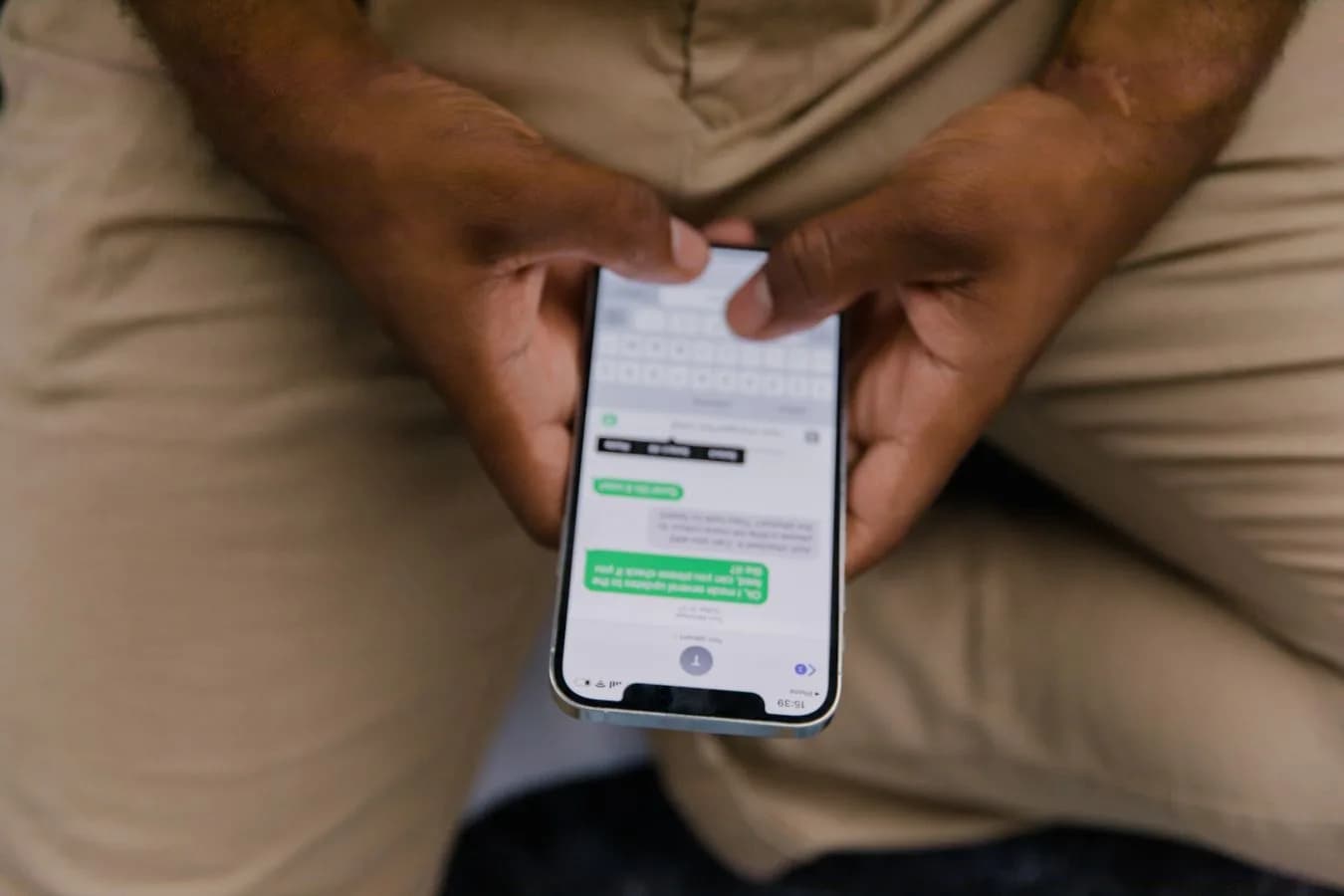
Telegram is the fastest gateway to stand up, since Telegram bots provision in minutes. Discord, Slack, WhatsApp, Signal, and email are all supported the same way through Hermes's messaging gateway settings.
What This Onchain AI Agent Can Actually Do Once It's Running
With Base MCP wired in, an onchain AI agent built this way can:
- Send native tokens or ERC-20 tokens to an address, ENS name, basename, or cb.id name
- Swap supported tokens on supported mainnet chains
- Sign EIP-712 typed data and plain messages
- Batch multiple contract calls into a single approval
- Pay for x402-enabled API requests in USDC on Base or Base Sepolia
Combine that with filesystem access and you've got something closer to a junior onchain dev than a chatbot. It can read a contract, flag that a wallet is low on gas, and ask you to approve a fix, all in one thread.
Here's a realistic version of that. You're deploying a contract update to Base Sepolia from your phone, on a train, nowhere near your laptop. You text the agent: check the deployer wallet's testnet balance. It reads the balance through Base MCP, sees it's too low to cover gas, and asks whether to top it up from a funded wallet. You approve the link. Ten seconds later, it retries the deploy and reports the new contract address back to the same thread.
Nothing in that flow needed you at a keyboard. It also never needed you to hand over a key.
Combining This With Your Base App
If you already went through building a Base app with wagmi and viem, this agent is a natural extension of the same stack, not a separate project. Base MCP talks to the same Base Account model that a standard web app's SIWE flow uses.
Point the filesystem MCP server at that project's repo, and the agent can review your wagmi.ts config, notice you forgot useSwitchChain on a write path (a mistake worth avoiding on its own), and suggest the fix before you ship it. It's a code reviewer that also happens to have wallet context.
It's useful during the Base.dev registration step too. Ask it to double check your app's metadata against what's actually deployed before you submit, and it can catch a mismatched primary URL or a stale screenshot faster than you'll notice scrolling through the form yourself.

Keeping Tabs on What Your Onchain AI Agent Actually Did
An agent that can propose transactions is only as trustworthy as your ability to check its work afterward. Don't run this unattended without a way to review its history.
Two places to check regularly:
| Where | What it shows |
|---|---|
| Hermes session logs on the VPS | Every message and tool call the agent made, including ones you didn't approve |
| Base Account activity | Every approval you actually signed, independent of what the agent claims it did |
The gap between those two lists matters. If the agent's logs show it proposed something you never saw an approval link for, that's worth investigating before you trust it with anything bigger. Checking both weekly, more often while you're still getting a feel for it, catches problems long before they cost anything.
Common Mistakes to Avoid
- Skipping the VPS access controls. Anyone who can SSH into your server can chat with an agent that holds approval-adjacent access to your wallet. Lock it down like you would a signing machine, because functionally it is one.
- Assuming Base MCP needs a private key. It doesn't, and if a setup guide asks you to paste one in, stop and double-check the source.
- Running old
base-mcptutorials. The npm package is dead. If a guide referencesnpx base-mcp, it predates the May 2026 deprecation. - Auto-approving everything. The approval link exists so a bad prompt or a hallucinated instruction doesn't become a signed transaction. Actually read what you're approving.
- Giving the git MCP server too much rope. Read access is fine to hand over freely. Write and commit access is worth reviewing before every merge, at least at first.
- Testing on mainnet first. Point the agent at Base Sepolia and a burner Base Account until you trust the approval flow in practice, not just in theory. Real funds come after real testing.
- Forgetting the agent has memory. Hermes builds a model of your projects across sessions. That's useful, but it also means old context can resurface in a new conversation. Review what it remembers if you're handing the server to someone else.
FAQ
Can this agent sign transactions completely unattended? No, and that's intentional. Every write action (send, swap, sign, batch call) returns an approval link that a human has to open and confirm in Base Account. Nothing executes without that step.
Does this only work with Base? Base MCP is Base-specific, but Hermes itself isn't tied to any one chain. You can connect other MCP servers for other networks the same way, side by side with Base MCP.
Do I need to run Hermes on a VPS, or can I run it locally? A VPS just means it's reachable when your laptop is closed. Local works fine for testing, a VPS is what makes the Telegram/Discord gateway actually useful day to day.
Is the old base-mcp npm package still safe to use for existing projects?
No. It's deprecated as of May 13, 2026, and unmaintained. Migrate to the hosted gateway at mcp.base.org instead.
Can I connect more than one MCP server at a time?
Yes. The config file takes a list under mcp_servers, so Base MCP, a filesystem server, and a git server can all run side by side on the same agent.
What happens if the LLM hallucinates a bad transaction? It still has to clear the approval step. A hallucinated instruction can produce a bad approval link, but it can't sign anything on its own. Reading what you're approving, not just clicking through it, is what actually catches this.
If you already went through the six-step guide to building a Base app, this is the natural next tool: the same wallet stack, now available to an agent instead of only a browser session.
This is also just the dev-facing half of what's possible with this stack. The same Hermes setup, pointed at a different set of MCP tools, can run as a standing agent that posts or reacts to crypto conversation on X instead of reviewing your code. That's a different setup with a different risk profile, since public posting is a lot less reversible than a wallet approval you control.
Related Articles